WordPress Maintenance
& Security.
WordPress maintenance, security hardening, and malware removal, handled by a US-based team in Minneapolis. Monthly care plans keep your site patched, fast, and safe. One-time engagements clean up hacks and close security holes. Billed at $85/hr, weekly invoices, no lock-in.







Verified Proof
We tested 21 Minneapolis web design agencies. We ranked #1.
Our site scored 98 on Lighthouse mobile with a 2.2-second LCP, the fastest in the Minneapolis market. See every agency's actual Lighthouse score, including the 16 that failed Core Web Vitals.
See the 2026 Speed Report →Maintenance that prevents fires.
Not just puts them out.
Health Check
We audit your WordPress core, plugins, themes, security, speed, and error logs to see exactly where the site stands.
Harden
We close known holes, lock down logins, add a firewall and off-site backups, and shut off anything that should not be running.
Clean & Fix
We remove any malware, repair broken code and errors, and fix whatever is making the site slow.
Monitor
Round-the-clock uptime and security monitoring so problems get caught and handled before they turn into outages.
Maintain & Report
Ongoing core, plugin, and theme updates, plus a plain-English monthly report of everything we did and why.
What does WordPress
maintenance actually cover?
Security Updates & Patching
WordPress core, plugins, and themes updated on a schedule, tested so an update never breaks your site. Most hacks exploit outdated code, so staying current is the single biggest thing that keeps you safe.
Malware Removal & Cleanup
Site hacked, defaced, or flagged by Google? We find and remove the infection, clean the files and database, restore your site, and close the hole that let it in. Available as a one-time emergency fix or as part of a plan.
Security Hardening
Firewall setup, login lockdown and two-factor, file-permission fixes, disabled file editing, and removal of abandoned plugins. We shrink the attack surface so there is far less for a bot to find.
Performance & Speed Tune-Ups
A slow WordPress site is usually a bloated one: heavy plugins, uncached pages, oversized images, a cluttered database. We find what is dragging it down and fix it, so pages load fast and Core Web Vitals pass.
Backups & Uptime Monitoring
Automated off-site backups so you can roll back in minutes, not days, plus round-the-clock uptime and security monitoring that alerts us the moment something breaks or looks wrong.
Error & Bug Repair
White screen of death, plugin conflicts, broken checkout, a contact form that stopped sending? We track down the cause and fix it, whether it is a one-time emergency or an ongoing part of your plan.





Why WordPress security matters more in 2026.
For years, hacking a WordPress site meant a human sitting down and probing it by hand. That era is ending. Attackers now run automated bots, and increasingly AI agents, that crawl the web, fingerprint exactly what software each site runs, and cross-check it against public lists of known security holes, thousands of sites at a time.
AI has made the whole cycle faster. An agent can read a plugin's code, spot an exploitable flaw, write the attack, and chain several weaknesses together into a working break-in, often within minutes of a vulnerability being disclosed. The gap between "a flaw gets announced" and "bots are exploiting it in the wild" used to be days. Now it can be hours. If your plugins are a week behind, you are already exposed.
WordPress runs about 43% of the entire web, which makes it the single biggest target online. And most break-ins don't exploit WordPress itself, they exploit one outdated plugin or theme, the exact kind of unglamorous, easy-to-postpone maintenance a busy owner (or even a busy developer) lets slide. Staying patched, hardened, and monitored isn't a nice-to-have anymore. Against automated attackers, it's the whole game.
A second set of eyes, whenever you need one.
You don't have to be between developers to bring us in. If your WordPress site is running slow, throwing errors, or just feels neglected, a second set of eyes almost always finds something, even when a capable developer is already on it. Security and performance are their own specialty, and they're the easiest things to deprioritize when someone is heads-down shipping features.
We're comfortable working alongside your existing team. You keep your developer for new features and design; we handle the unglamorous maintenance, monitoring, and security work in the background. No turf war, no stepping on toes, just fewer 3 a.m. surprises. Christopher leads the work, with a small family-owned team behind him, so there's continuity and someone always watching.
We offer monthly plans. For most sites the right answer is a monthly care plan: a set block of hours each month for updates, backups, monitoring, hardening, speed tune-ups, and the small fixes that pile up. It's predictable, it's proactive, and it means someone is watching your site when you aren't. Billed at our flat $85/hr, weekly invoices, no lock-in.
We also offer one-time engagements. You don't need a plan to work with us. Hire us for a specific job, remove malware from a hacked site, close a security hole, or repair a broken feature, and then you're on your way. Start with a one-time fix and move to a plan later, or never. Entirely your call.
Tools & Platforms
Frequently Asked Questions
About WordPress Maintenance
Minneapolis Made bills WordPress maintenance at $85 per hour, invoiced weekly, with no lock-in. You can work with us two ways: a monthly care plan with a set block of hours for ongoing updates, monitoring, and support, or a one-time engagement to remove malware, fix a security hole, or repair errors. We scope every plan after a free site health check so the hours match what your site actually needs.
A monthly plan covers core, plugin, and theme updates, security hardening, malware scanning, off-site backups, uptime and security monitoring, performance and speed tune-ups, and repair of the small errors that pile up over time. You also get a plain-English monthly report so you always know what changed and why.
Yes. Malware removal is one of our most common one-time engagements. We find and remove the infection, clean the affected files and database, close the security hole that let it in, restore your site, and harden it so it does not happen again. If you want ongoing protection afterward, we can move you onto a monthly plan, but you are never required to.
Both. Monthly care plans are for ongoing maintenance, updates, and monitoring. One-time engagements are for a specific job: removing malware, closing a security hole, or repairing errors and broken features. Pick whichever fits, or start with a one-time fix and move to a plan later.
A second set of eyes catches what a single developer, however good, can miss, especially on security and performance. If your WordPress site is running slow, throwing errors, or overdue on updates, we can audit it, find the problem, and fix it without stepping on your existing team. Many clients keep their developer for features and use us specifically for maintenance and security.
Yes, and the risk is rising. Attackers now use automated and AI-assisted tools to scan sites for known vulnerabilities and exploit them faster than a human ever could, often within minutes of a flaw being disclosed. WordPress runs about 43% of the web, which makes it the biggest target online. Staying current on patches and hardening is no longer optional.
Keep your WordPress site
fast, patched, and safe.
Tell us what's going on, a slow site, a hack, or just updates you've been putting off. We'll run a free health check and tell you exactly what it needs.
Get a Free Site Health CheckRelated Reading
Running on WordPress? These guides go deeper on keeping it modern, fast, and easy for search engines and AI to read: our take on headless WordPress, why Core Web Vitals matter for speed, and how to make sure crawlers can actually read your site.
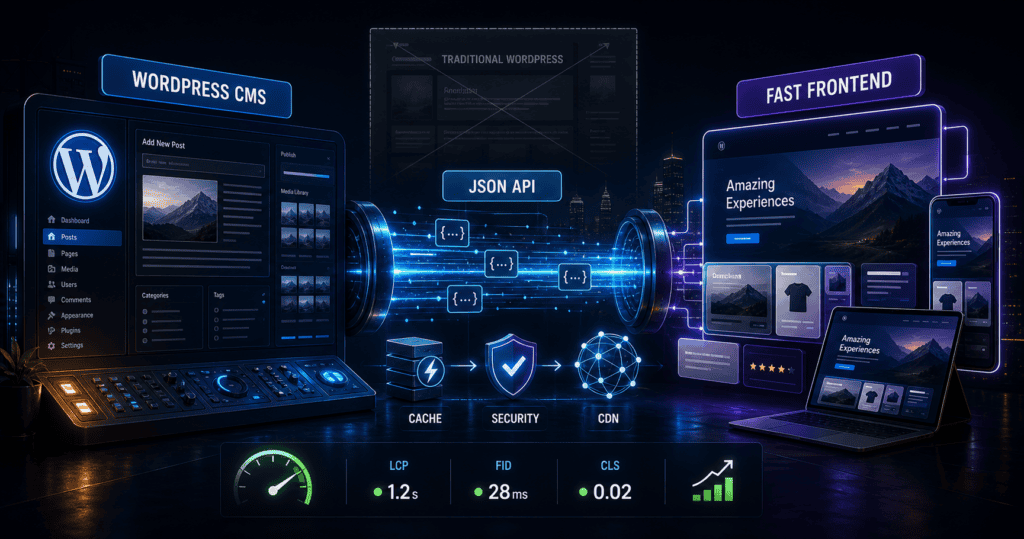
Why Headless WordPress Is the New Industry Standard
WordPress powers 42.2% of the web but was built for blogs. Why headless WordPress is the new standard for blazing fast pages and custom UX.
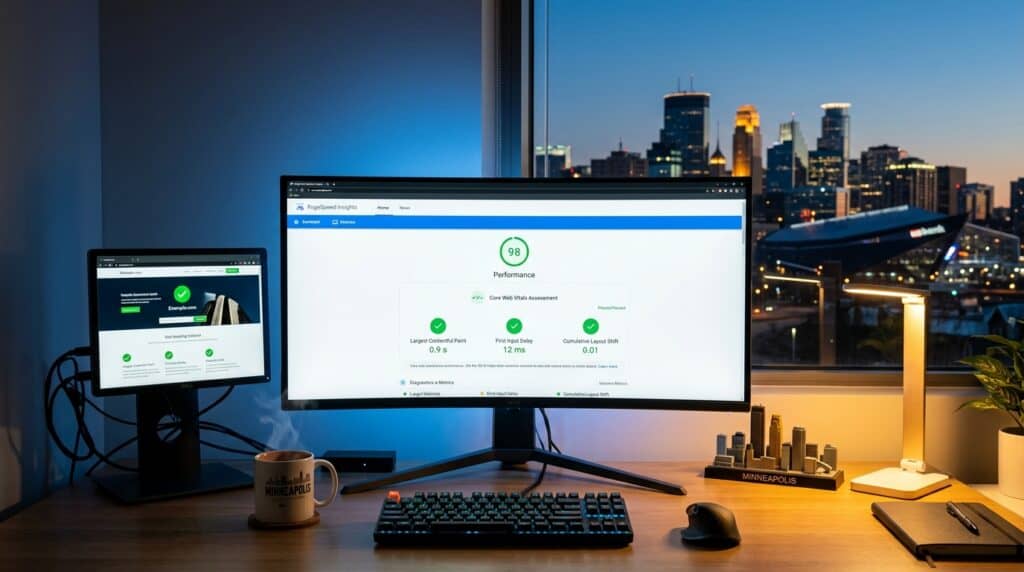
Core Web Vitals Explained: What Minneapolis Business Owners Need to Know
Google uses Core Web Vitals as a ranking factor. Here is what they measure and how to pass.
Minneapolis Made
Minneapolis, MN 55402
Service Area
WordPress maintenance, security, and malware removal for businesses across the entire 7-county Twin Cities metro area: Hennepin, Ramsey, Dakota, Anoka, Washington, Scott, and Carver counties, plus remote clients nationwide.